

Every month, someone on your team logs into the Metabase billing portal, hunts for last month's invoice and downloads the PDF for accounting. Three minutes. Also three minutes that get forgotten, then chased by email at quarter end.
There is no API for this. The only door is the web page. Which is exactly the kind of chore Puppetflow was built for.
Let a robot do the clicking
A Puppetflow flow is a browser that follows a script. It opens the page, logs in, clicks where a human would click and picks up the file at the end. The difference is that it never forgets, never gets bored, and leaves a recording of everything it did.
The Metabase blueprint does the invoice run for you:
- Log into the Metabase store, reusing the session if you are still logged in from last time.
- Open the billing page and switch to the invoices tab.
- Find the line for last month.
- Download the PDF.
- Hand the file back, attached to the run, ready to be forwarded.
Import, do not build
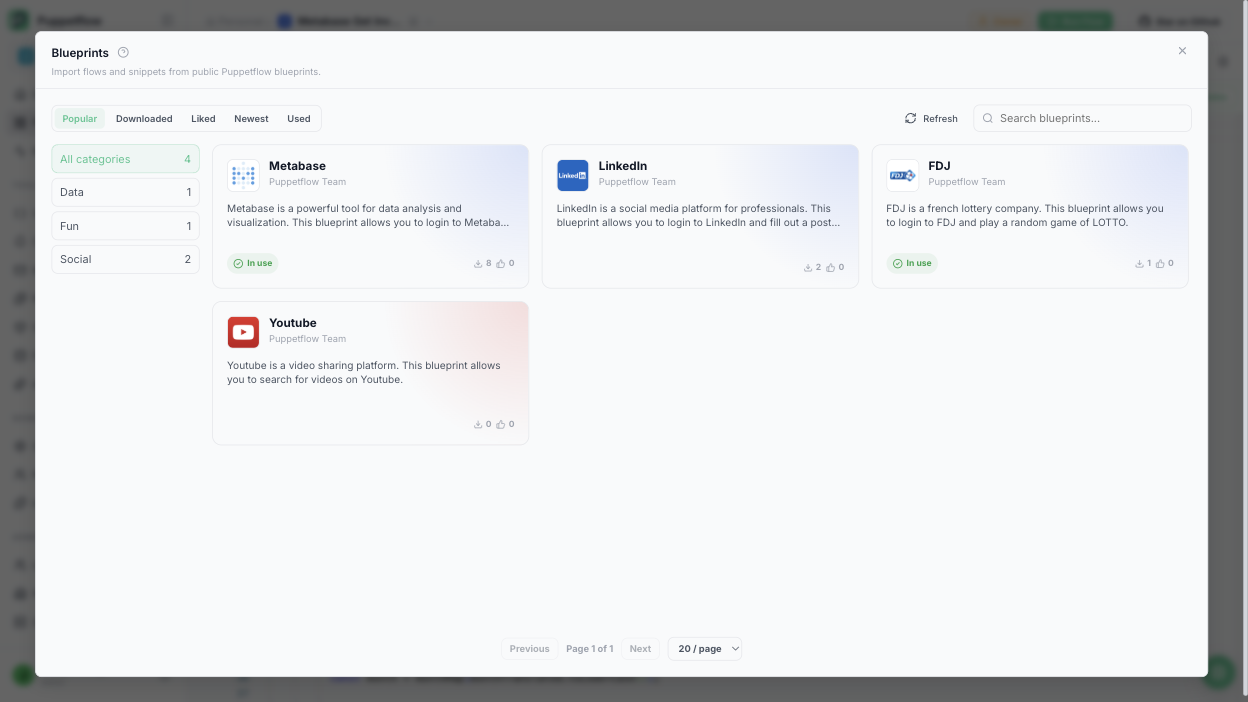
You do not have to write any of this. Open the Blueprints store in your workspace, pick Metabase and click import. The flow and its login snippet land in your workspace in one go.
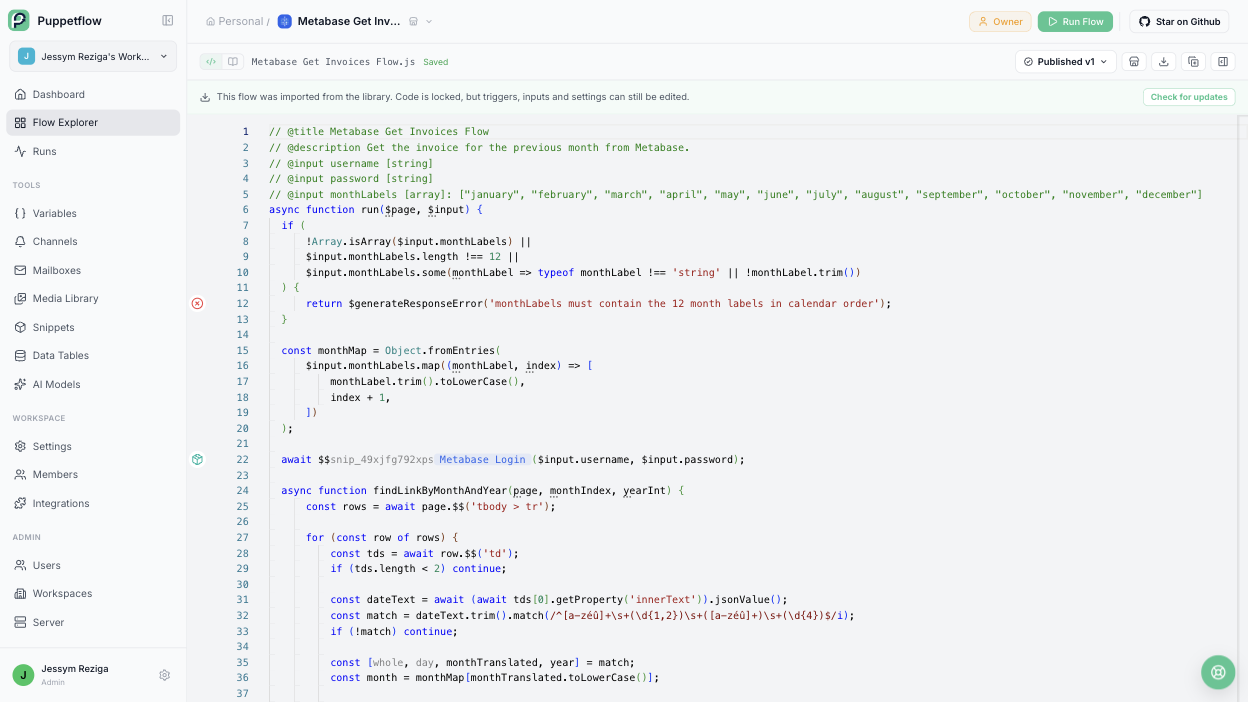
Under the hood this one is a code flow: plain JavaScript with a few Puppetflow helpers. You can read it, tweak it, or ignore it completely. Code imported from the library is locked so a library update never breaks your copy, while inputs, triggers and settings stay yours.
Three things worth knowing
Login is remembered. The first run fills the login form. The next runs skip it while the session is still valid. If you automate something else on the same portal later, the same login snippet gets reused.
Language is an input, not code. The portal shows dates in the language of your account. The flow takes the twelve month names as an input, so a French account and an English account run the same flow.
Files are first class. The PDF is attached to the run. From there an action can push it to an inbox, a Slack channel or a storage bucket.
Make it run on its own
- Import the blueprint from the store.
- Save your credentials as workspace variables.
- Add a schedule for the first working day of the month.
- Add an action that forwards the result to accounting.
From now on the invoice shows up by itself. If the portal changes its layout one day, the run fails with a screenshot and a log, you fix one selector and move on.
Why this is a good first flow
It is tiny, but it has everything a real automation needs: a login, inputs, a file as output, a schedule and a destination. Once it runs, the next candidate is usually obvious. Every team has a handful of these three minute chores hiding in a SaaS back office.
Browse the blueprint library for one that looks like yours, or read the flows guide if you would rather start from a blank page.


